Simple interface for managing your menu
Add dishes, ingredients and preparations. Track prep losses, organize dishes into categories. With Poster, it takes just a few minutes.
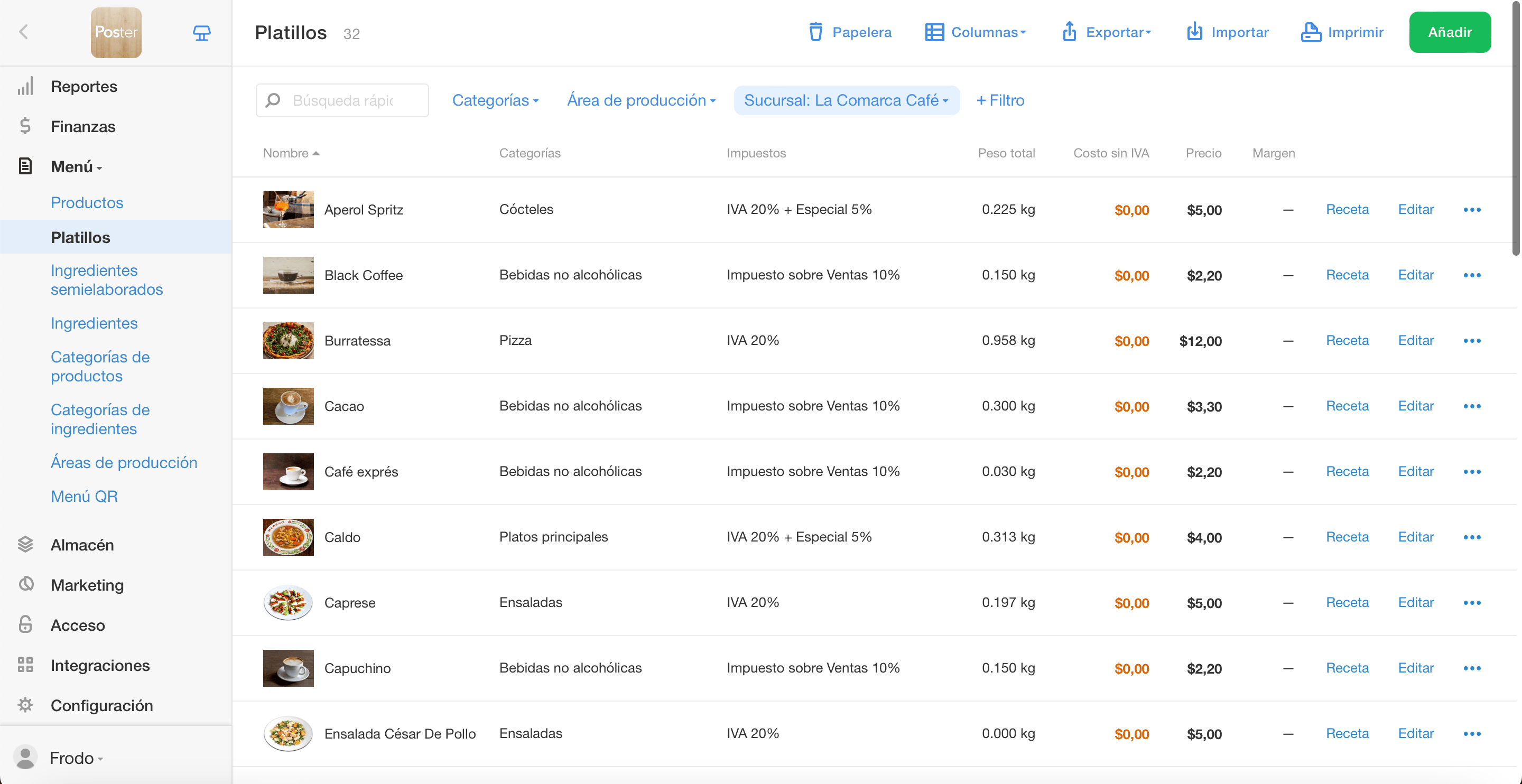
Easily manage your menu
Creating a menu in your POS system has never been easier! Add anything you sell without prep as products, and everything you cook from ingredients or preparations as dishes.
Import products and ingredients
Got a list of ingredients ready? Just import it from Excel to save time. You can also import your products, dishes, and preparations — then simply add their recipes and photos.
Sell by weight
For steaks, grilled items, or cakes sold by weight, just set the price per 100 g. At checkout, the waiter only needs to enter the weight — the total price is calculated automatically.
Rely on helpful tips
Poster highlights products and dishes that are missing cost prices or tax settings. This way, you’ll avoid common mistakes early on and set up your inventory system the right way from the start.
Focus on your customers instead of the system
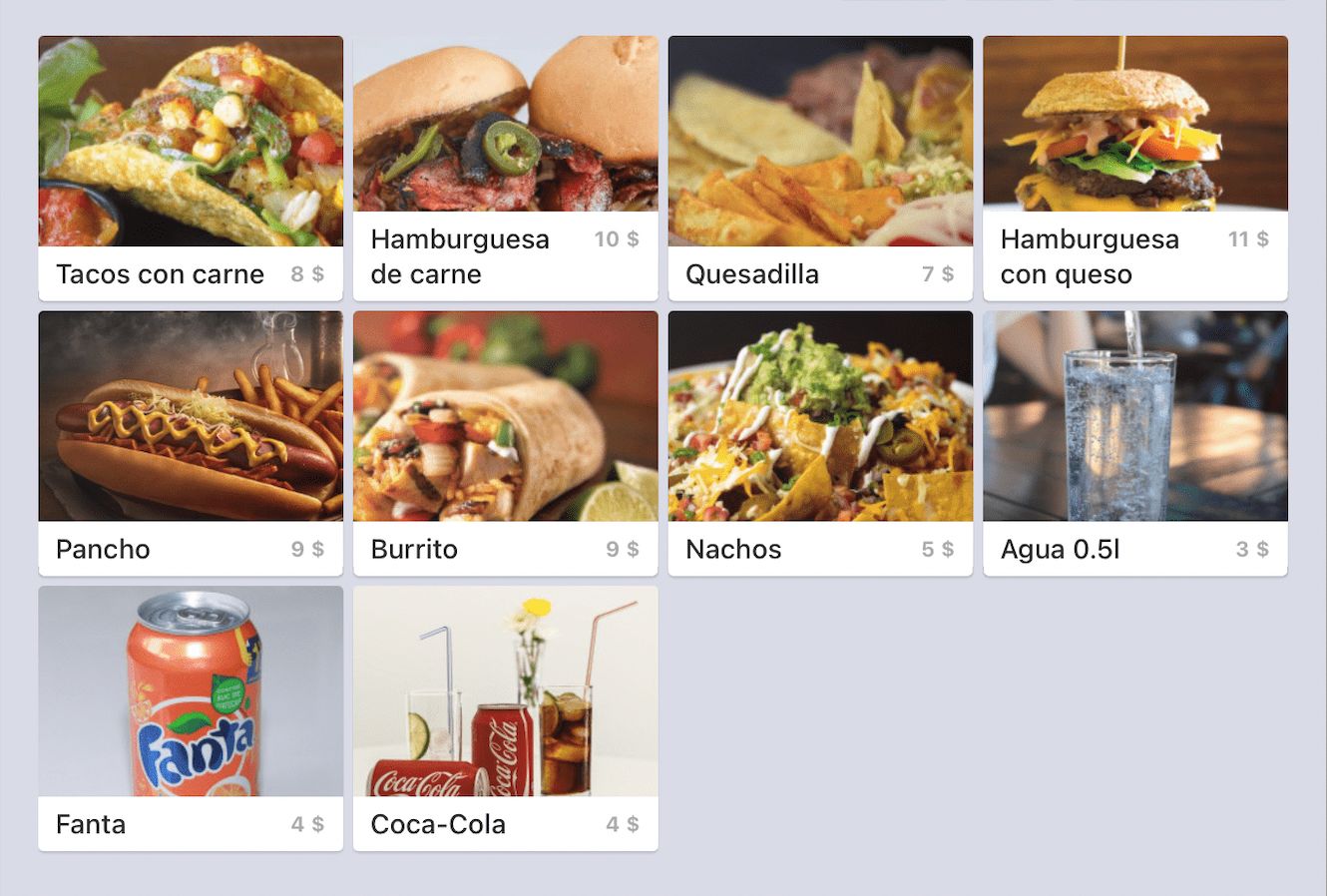
Help your waitstaff find dishes faster by adding colors or uploading photos. Sort items by demand and pin your bestsellers to the main screen of the POS for quick access.
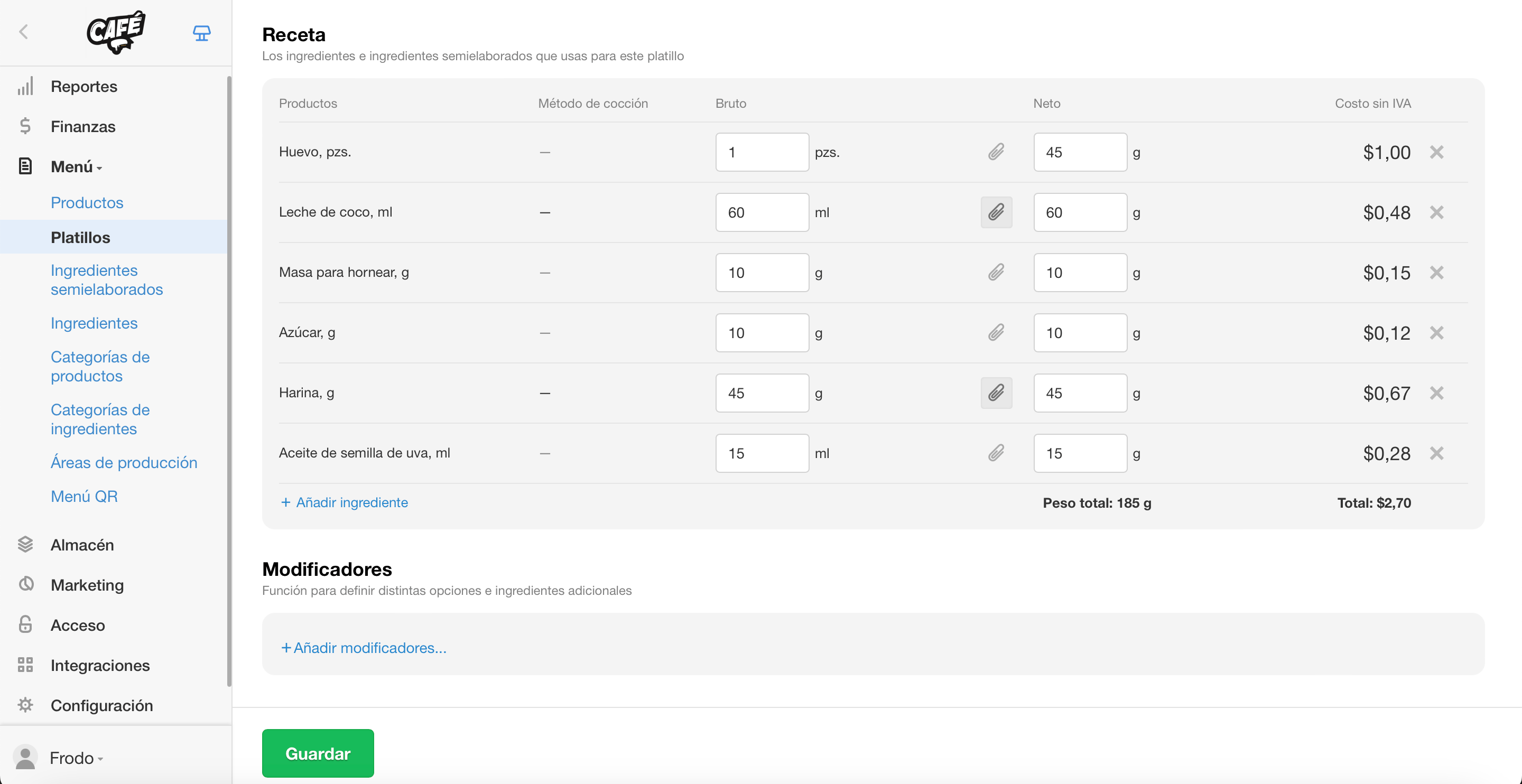
Keep track of food costs
The food cost is calculated automatically based on supplies and stock levels. It updates with each new delivery, factoring in both previous and current prices.
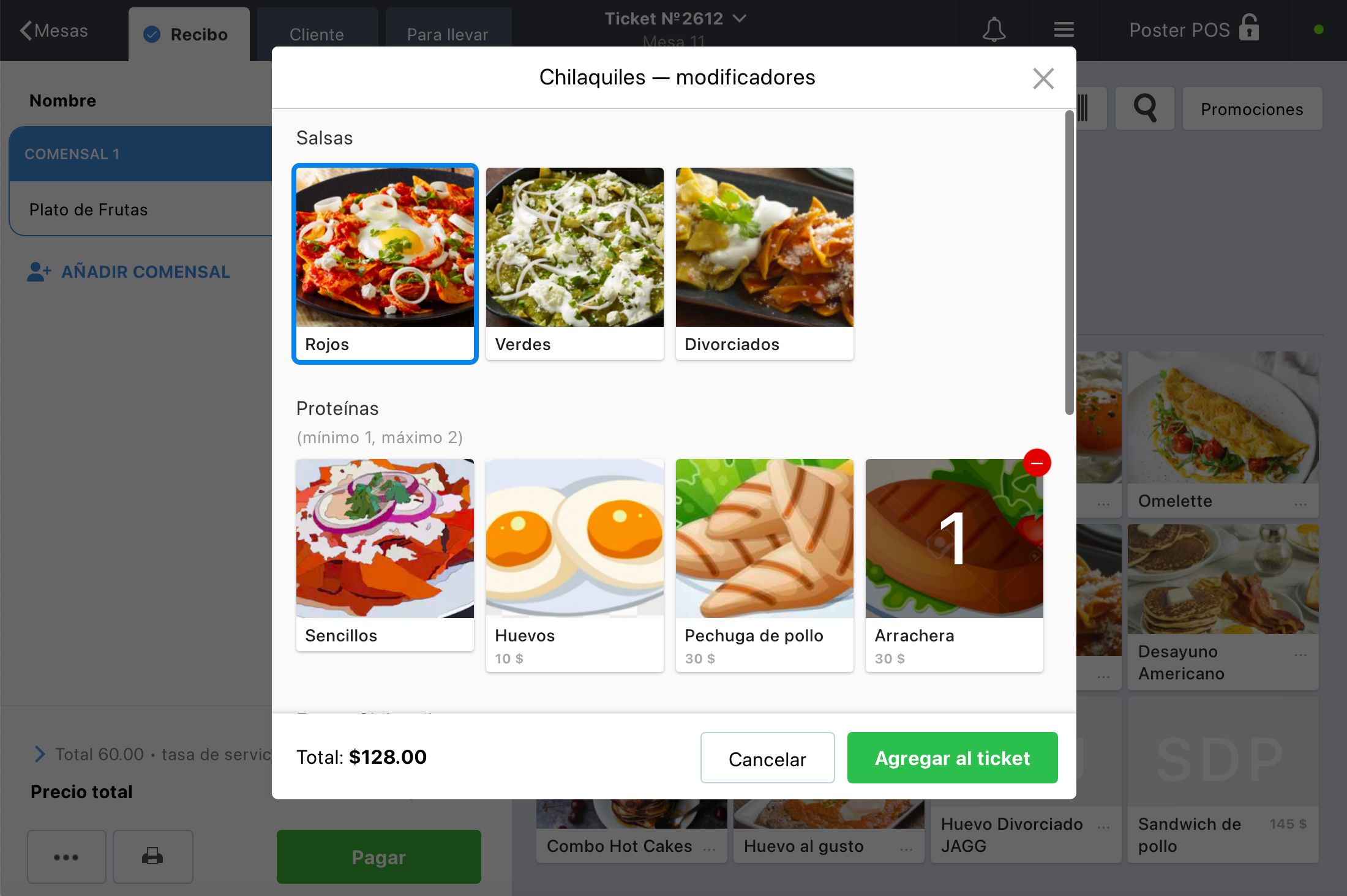
Boost your sales with modifiers
Keep your menu organized and increase revenue by using dish modifiers. Let customers choose pizza toppings, steak doneness, or sauces — modifiers help your staff take custom orders quickly and accurately.
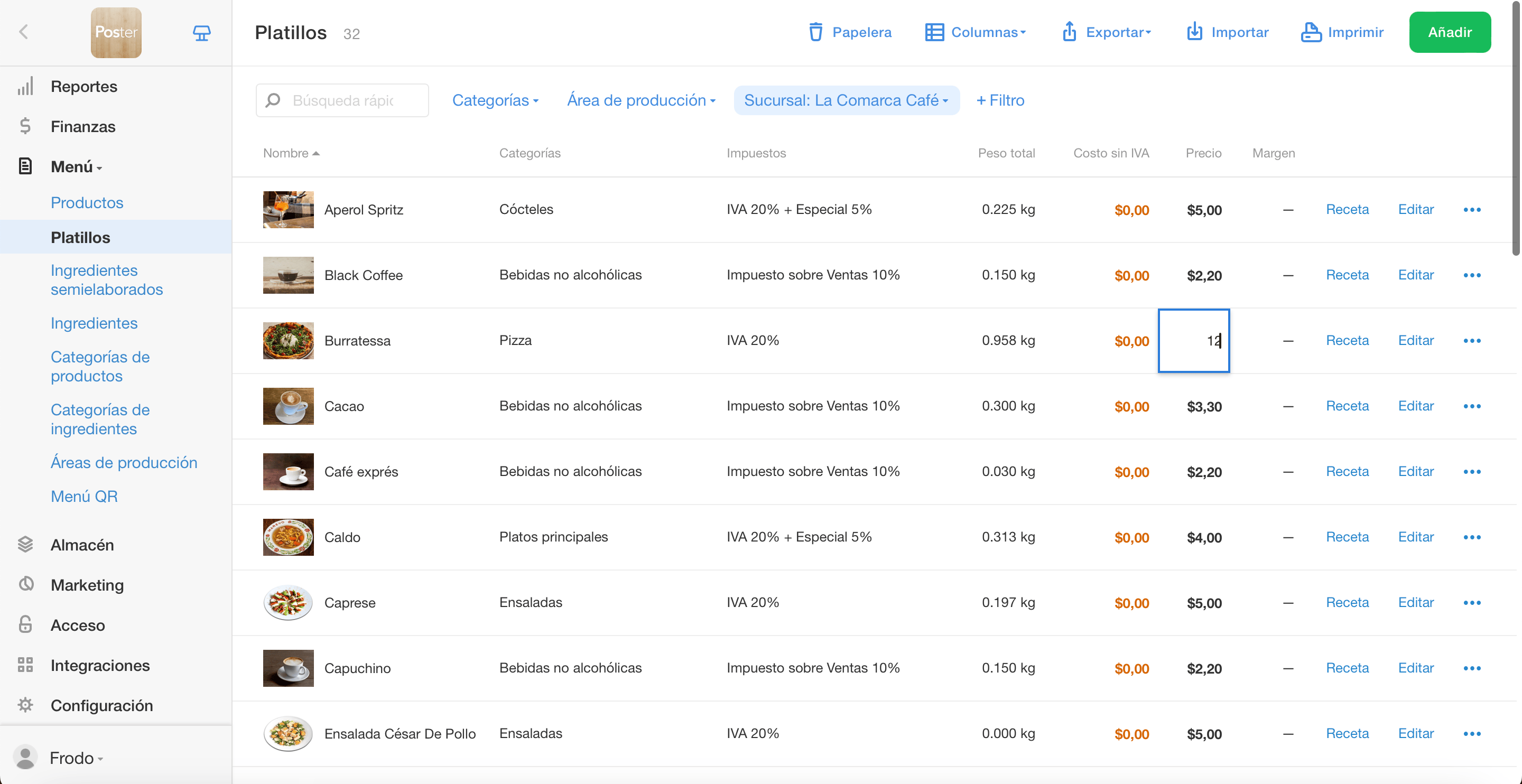
Update prices in real time
Easily change prices for products and dishes right in the list. Within 10 seconds, all prices will be automatically updated at the POS.
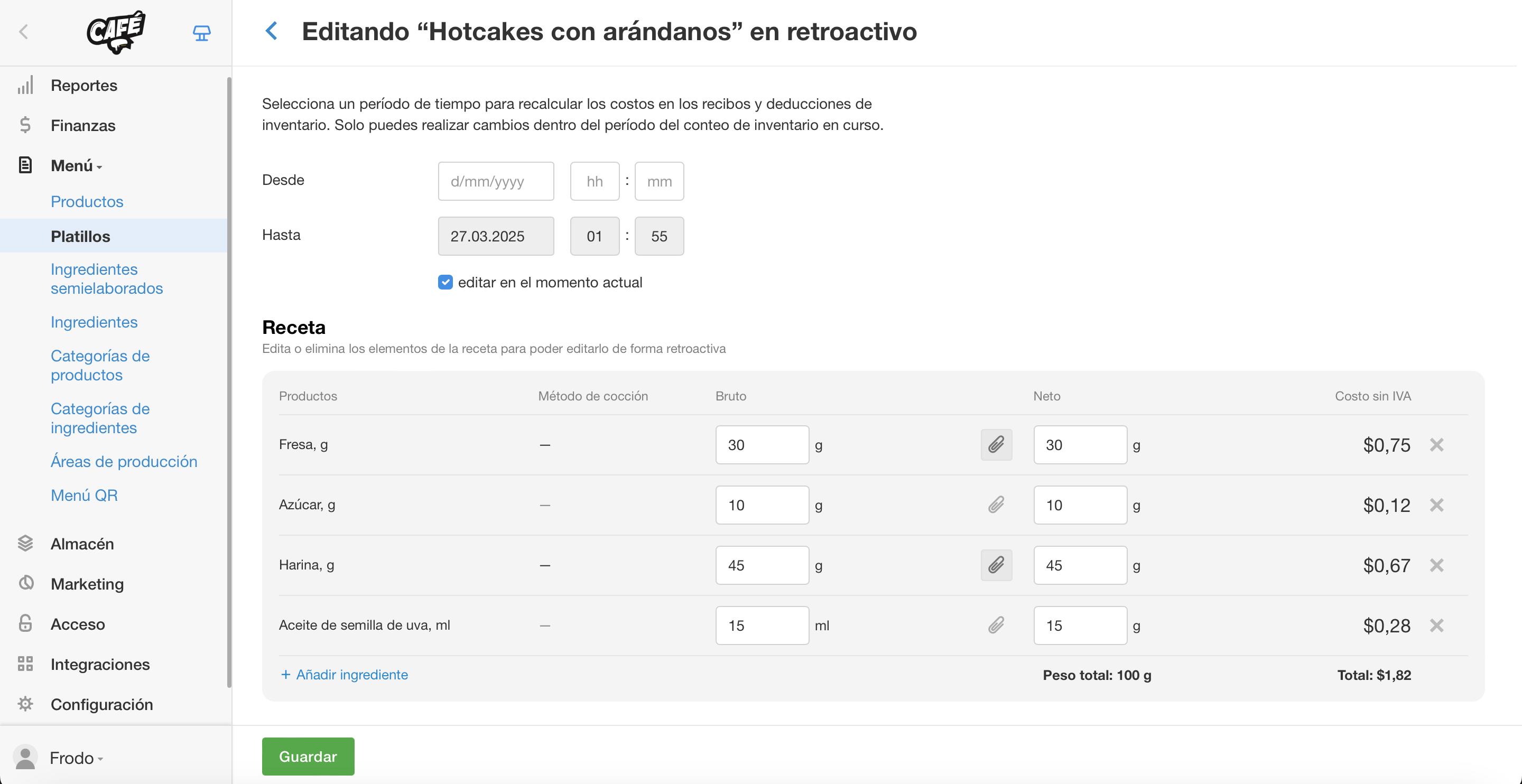
Edit menu retroactively
Started selling before adding ingredients? Or used a new recipe but forgot to update it in the system? Just backdate the dish and fix ingredient usage in a few clicks.
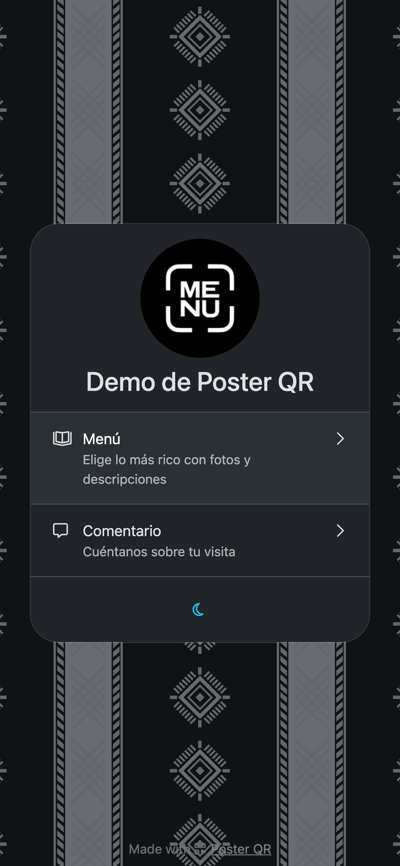
Poster QR
Un solo QR, múltiples funciones
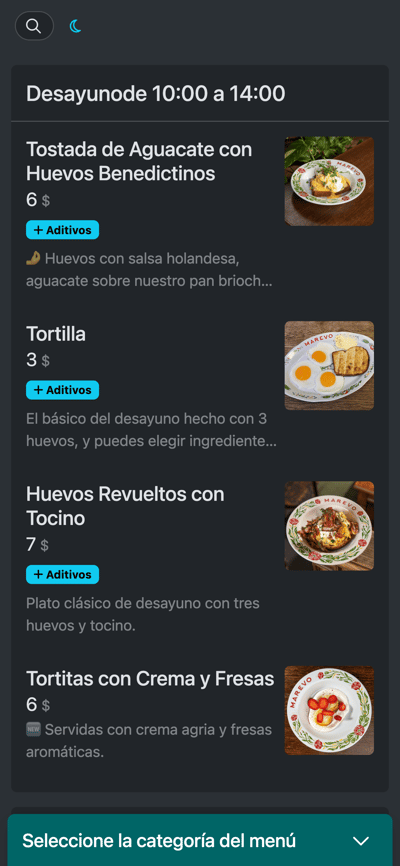
- Generación automática del menú con los platillos de Poster POS
- Solo necesitas subir fotos y agregar descripciones
- El cliente escanea el QR y deja una reseña sobre tu negocio
- Recibir notificaciones de nuevas reseñas en un bot de Telegram
- Responder de inmediato a comentarios negativos para mejorar la experiencia
- Creación automática de un sitio web con los platillos de Poster POS en minutos
- Solo necesitas personalizar el diseño (tema, colores)
- Obtener un dominio gratuito en ps.me y hosting sin costo
- Conectar tu propio dominio y personalizar el diseño con CSS
- Permitir que los clientes paguen sus pedidos online (Apple Pay, Google Pay, Visa, MasterCard)
- Ideal si operas en un local y también ofreces delivery o solo trabajas con entregas


Your menu keeps everything running smoothly
Set it up once — Poster takes care of the rest
💬 How do I add a new drink to the menu?
Menu → Dishes
💬 I prep frozen croissants at the kitchen to bake later in the café. Where should I add them?
Menu → Preparations
💬 Where do I track ingredient loss from things like peeling or frying?
Menu → Ingredients
💬 I buy the same ingredients from one supplier. Can I group them for easier tracking? Menu → Categories of ingredients
💬 How do I add different flavors of the same product?
Menu → Products
Where can I check the current cost of my ingredients, dishes, and prep items?
Menu → Dishes or Menu → Preparations
Únete a 30 000 negocios,
que ya han probado Poster punto de venta
Crea tu cuenta, y disfruta de los primeros 15 días gratis.
¡Inicia tu prueba gratuita!