Nuevo
Te enseñamos a configurar tus recetas sin costo. Regístrate aquí ServUp Customer Display
Order and total on the customer display
Sobre la integración ServUp Customer Display con Poster POS
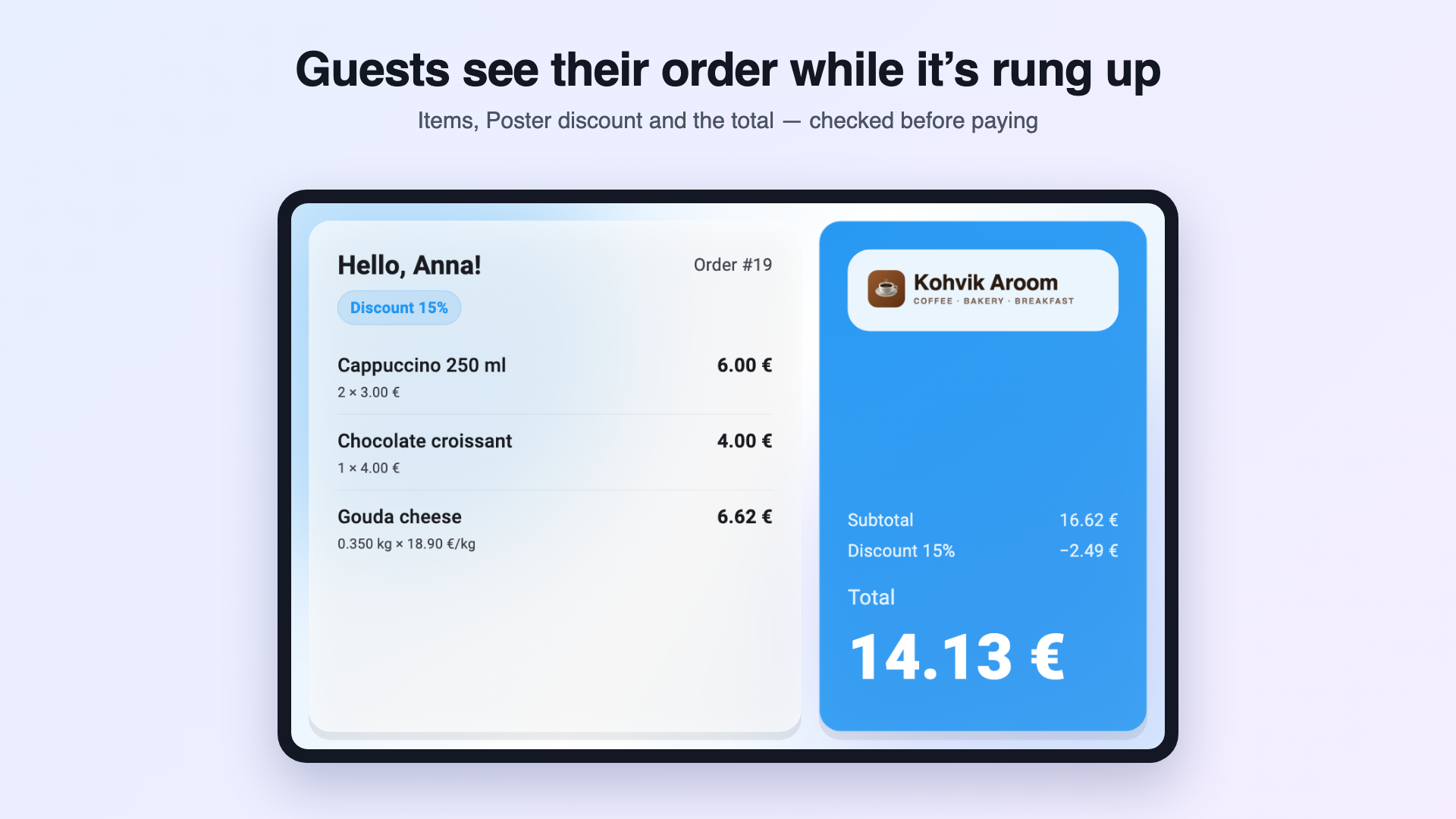
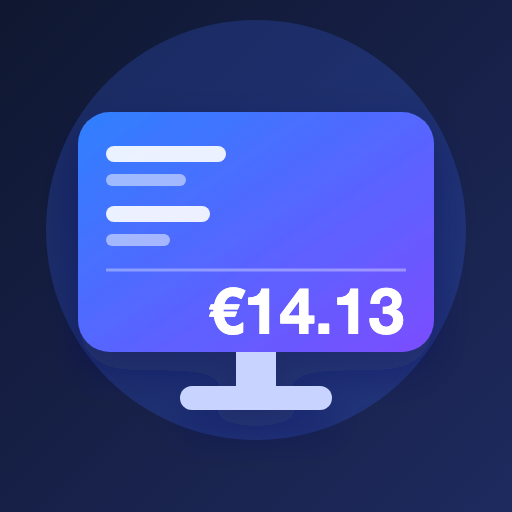
ServUp Customer Display shows guests their order while it is being rung up: items, quantities, prices, discount and the amount due. Guests see exactly what the cashier entered — fewer mistakes and questions at the till.
Features:
- Live order — every change on the POS appears on the guest screen instantly.
- Poster customers — greets the guest by name and shows their discount or bonus balance and cashback.
- Poster discounts — subtotal, discount and total match the POS to the cent.
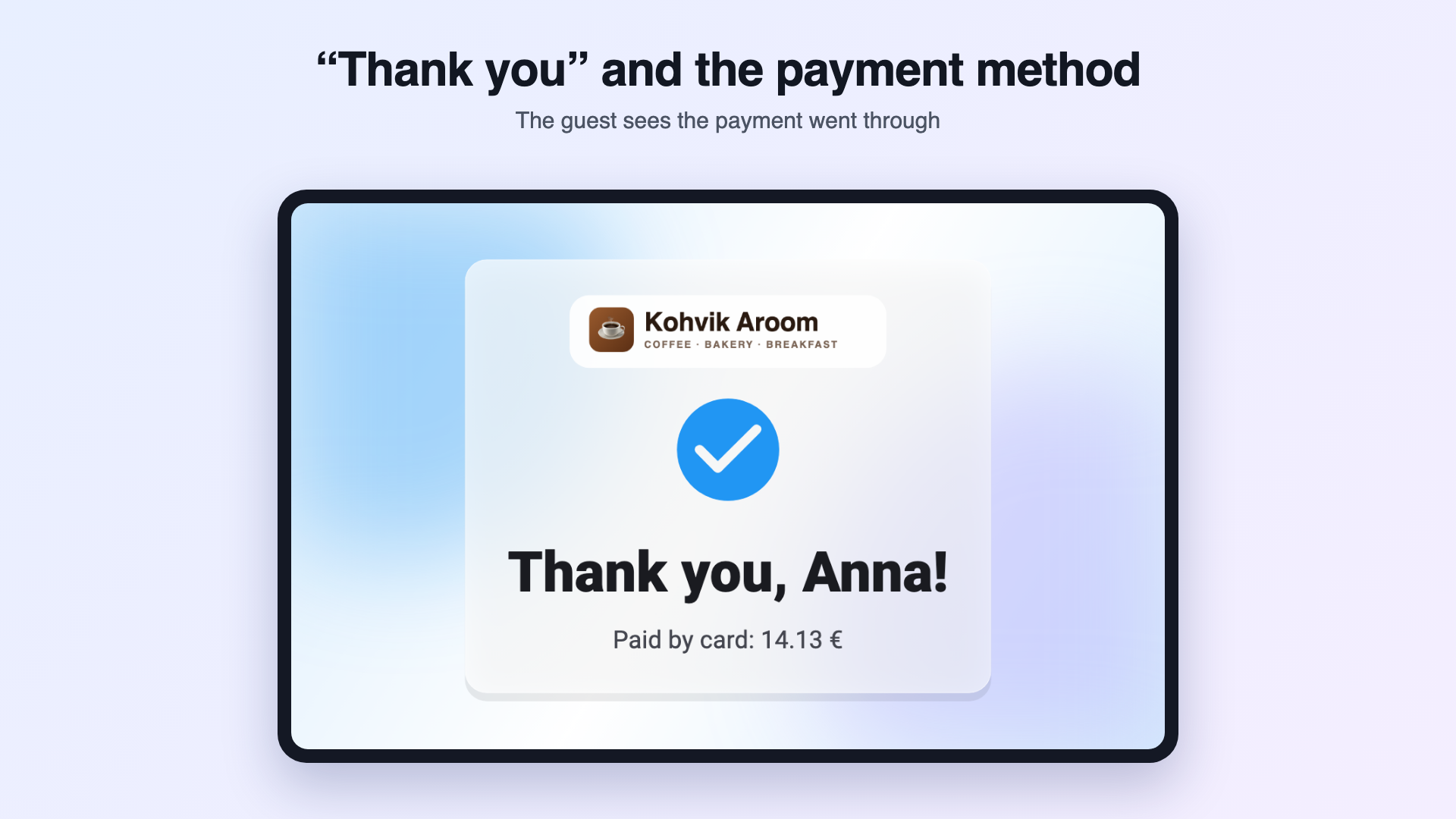
- After payment — “Thank you” with the payment method.
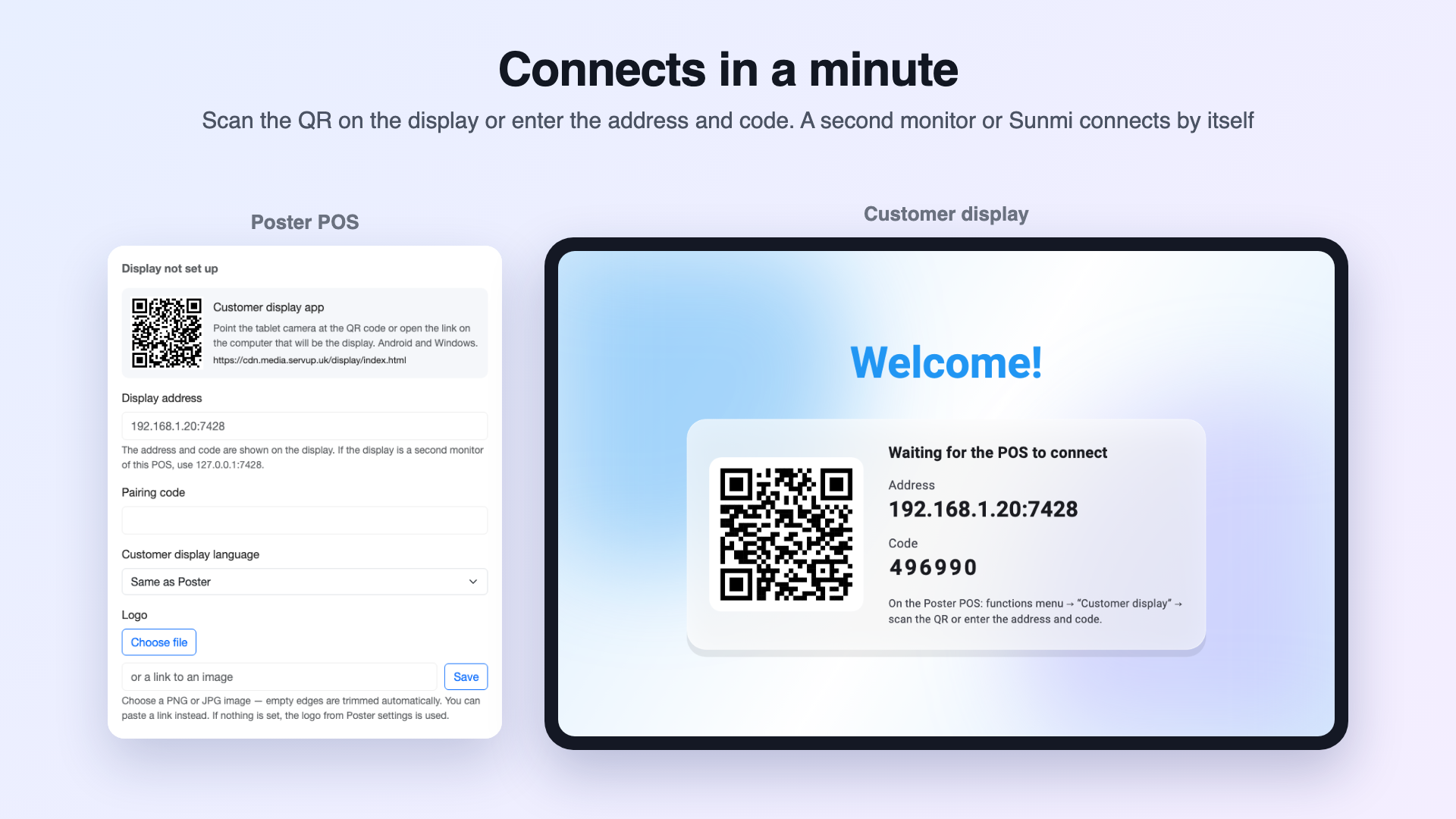
- Your logo — pick a file right on the POS, empty edges are trimmed automatically.
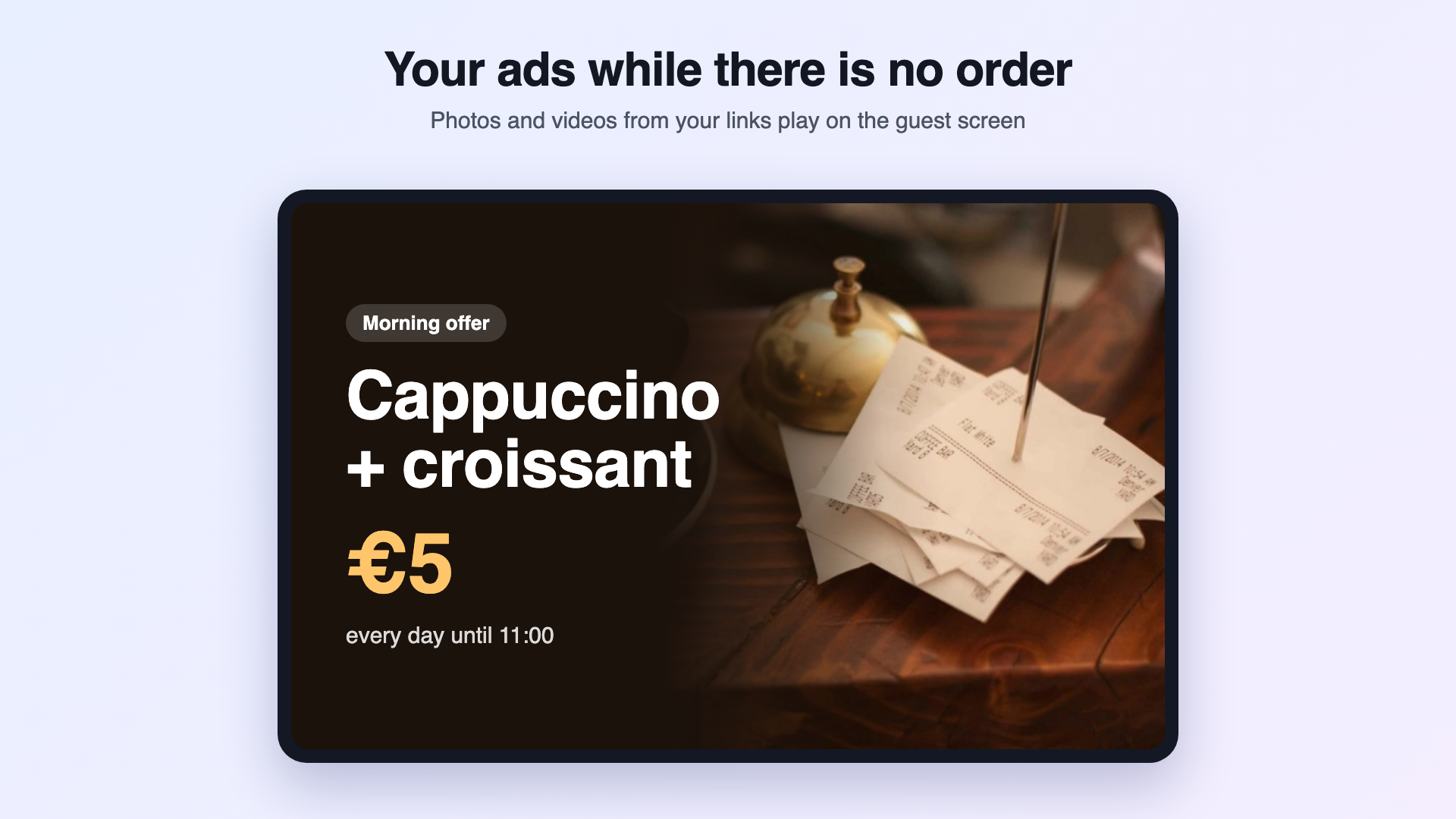
- Idle-screen ads — your photos and videos while there is no order.
- Works over the local network, no internet or cloud needed: order data never leaves the venue.
- Multiple registers — each has its own display; another register cannot connect to it.
- Screen language follows your Poster settings: English, Russian, Ukrainian, Polish, Estonian.
Runs on: Android tablet or TV box, Android POS with a built-in customer screen (Sunmi and others), Windows PC or a second monitor of the same POS.
Limitations:
- Change due is not shown: Poster does not pass the cash amount tendered.
- Tips entered on the payment screen are not passed to apps by Poster.
- Browser version of the POS: browsers block websites from reaching local-network devices — use the Poster app.
- On Android the display app has to be opened manually after the device restarts.
Connect the app and download the display: https://cdn.media.servup.uk/display/index.html
Sobre la aplicación
- Categoría
- Sitio web
- Phone
- E-mail
- Numero de instalaciones10+
Capturas de pantalla